
Introduction
Something changed in the AI landscape in early 2026, and it did not come from a frontier lab. It came from a single Austrian developer, a weekend project, and an open-source repository that became one of the fastest-growing in GitHub history. That project is OpenClaw AI — and it represents a fundamental shift in how people interact with artificial intelligence.
Unlike traditional AI chatbots that sit inside a browser tab waiting to be prompted, OpenClaw is an autonomous AI agent that lives on your own machine, remembers everything you tell it, and — critically — actually does things on your behalf. It sends emails, manages calendars, browses the web, runs code, and operates 24/7 across whatever chat app you already use.
Searches for “what is OpenClaw AI,” “what is OpenClaw Reddit,” and “what can you do with OpenClaw” have surged across developer communities, Reddit threads, and AI forums. This guide answers all of those questions definitively — covering what OpenClaw is, what it can do, how the OpenClaw Gateway works, and how it connects to related tools like Moltbook.
What Is OpenClaw AI?
OpenClaw AI is a free, open-source, self-hosted autonomous AI agent that runs on your own hardware and executes real-world tasks on your behalf through messaging apps like WhatsApp, Telegram, and Discord.
It is not a chatbot. It is not a SaaS product. It is an agentic AI runtime — a system that integrates an AI “brain” (your chosen large language model) with the “hands” of your computer: files, shell commands, a browser, APIs, and more.
The official description from openclaw.ai is precise: OpenClaw is “the AI that actually does things.” Where ChatGPT or Claude.ai produce text in response to prompts, OpenClaw uses that reasoning capability to execute tasks — autonomously, persistently, and proactively.
Who Built OpenClaw?
OpenClaw was created by Peter Steinberger, the Austrian software developer and founder of PSPDFKit (now known as Nutrient). He published the first version in November 2025 under the name Clawdbot — a playful reference to Anthropic’s Claude AI, which inspired the project. Following a trademark dispute with Anthropic, it was briefly renamed Moltbot on January 27, 2026, and then relaunched as OpenClaw three days later — a name Steinberger felt better captured its open-source identity.
The project is MIT-licensed, community-driven, and not affiliated with Anthropic, OpenAI, or any other AI company. Its source code is publicly available at github.com/openclaw/openclaw. As of March 2026, the project has accumulated over 250,000 GitHub stars — surpassing React in stars and becoming one of the most starred non-aggregator software repositories in GitHub history.
On February 14, 2026, Steinberger announced he would be joining OpenAI, with OpenClaw transitioning to an independent open-source foundation to ensure its continued community development.
OpenClaw on Reddit and Developer Communities
The “what is OpenClaw Reddit” query reflects a genuine community presence. OpenClaw has active discussion threads across Reddit’s r/AIAgents, r/LocalLLaMA, and r/MachineLearning subreddits, where users share setup guides, skill repositories, and real-world use cases. The project’s official Discord server (discord.com/invite/clawd) serves as the primary support and development community. MacStories, DigitalOcean, IBM Think, CNBC, and Nvidia’s GTC 2026 keynote have all covered OpenClaw, cementing its status as the most talked-about agent platform of 2026.
[LINK ANCHOR → Article 5: OpenClaw History, Launch & Evolution] — “Peter Steinberger first launched OpenClaw under the name Clawdbot in November 2025. Read the full history →”
What Can You Do with OpenClaw?
OpenClaw’s capabilities are broad enough that calling it a “personal assistant” undersells it. Users and industry analysts have described it variously as a “digital employee,” a “personal OS,” and the closest real-world equivalent to JARVIS from the Iron Man films. Here is a structured breakdown of its primary use cases.
Use Case 1: Running AI Agents Locally on Your Own Hardware
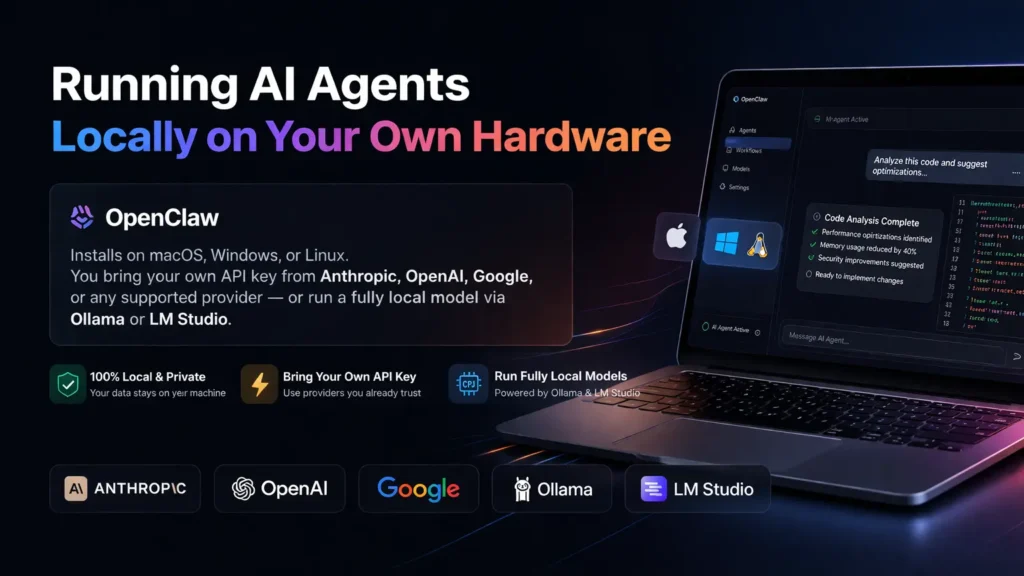
OpenClaw installs on macOS, Windows, or Linux. You bring your own API key from Anthropic, OpenAI, Google, or any supported provider — or run a fully local model via Ollama or LM Studio. Your data, your context, and your skills stay on your machine. This is the core proposition: enterprise-grade AI agency without surrendering data to a hosted service. Raspberry Pi deployments, Mac Mini setups, and cloud VPS instances are all documented in the community showcase.
Use Case 2: Routing Requests Through Multiple LLMs
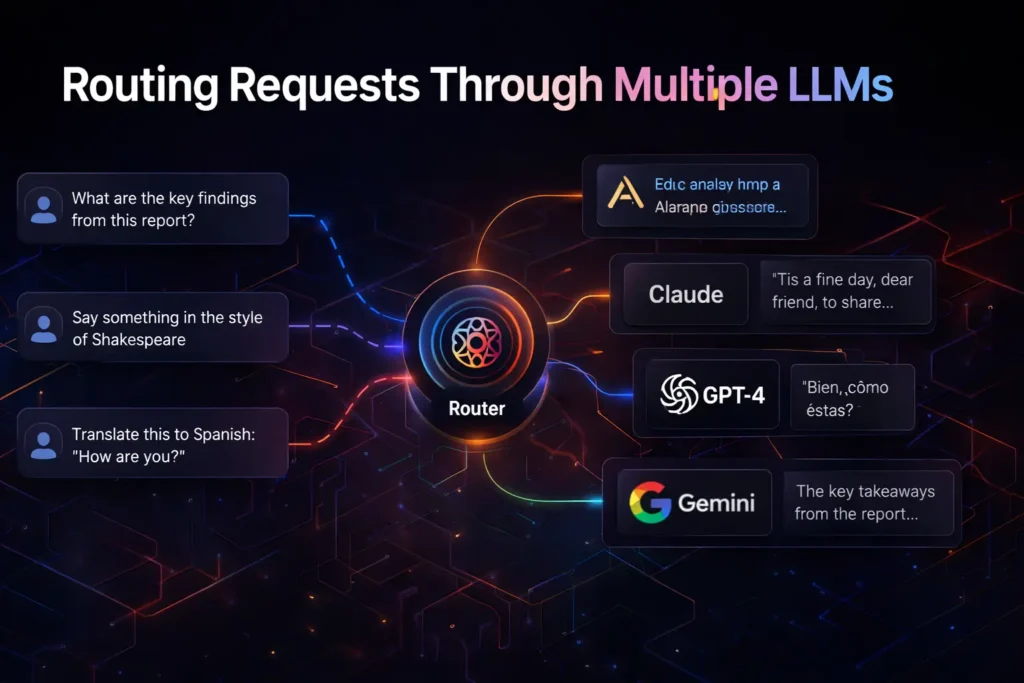
OpenClaw is model-agnostic. You can configure it to use Claude for complex reasoning tasks, DeepSeek for cost-sensitive document processing, and a local Llama model for sensitive private data — all within the same assistant. The Gateway (explained in detail below) acts as the routing layer, directing each task to the most appropriate model based on rules you define.
Use Case 3: Automating Workflows with Skills and Cron Jobs
OpenClaw uses a Skills system — small packages of instructions, scripts, and reference files — to handle repeatable tasks. Skills exist for managing email, scheduling calendar entries, monitoring GitHub repositories, controlling smart home devices, and hundreds more. The community registry, ClawHub (clawhub.ai), hosts 100+ publicly available skills. Uniquely, OpenClaw can write new skills for itself — you describe what you need, and the agent builds the skill autonomously, sometimes by referencing a YouTube video or your own notes.
Use Case 4: Integration with Developer Tools and APIs
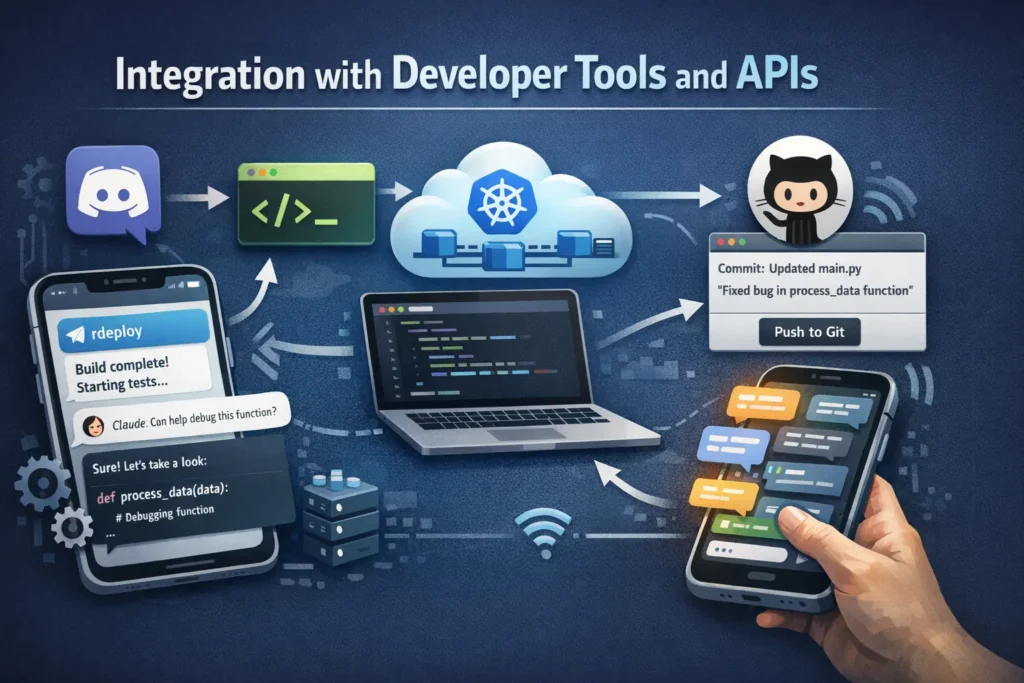
Developers use OpenClaw to automate debugging workflows, manage DevOps pipelines, run Claude Code or Codex sessions remotely from a phone, and commit code changes to GitHub — all via a Telegram or Discord message. Cron jobs, webhooks, and a Sentry integration allow background monitoring and autonomous PR creation when errors are detected.
Use Case 5: Browser Control and Web Automation
OpenClaw includes a browser control skill (Chrome/Chromium) that allows it to navigate websites, fill out forms, extract data, and interact with web services as a human would. Documented real-world uses include submitting health insurance reimbursements, booking doctor appointments, finding flights, and even provisioning OAuth tokens by navigating the Google Cloud Console without user intervention.
Use Case 6: Smart Home and IoT Management
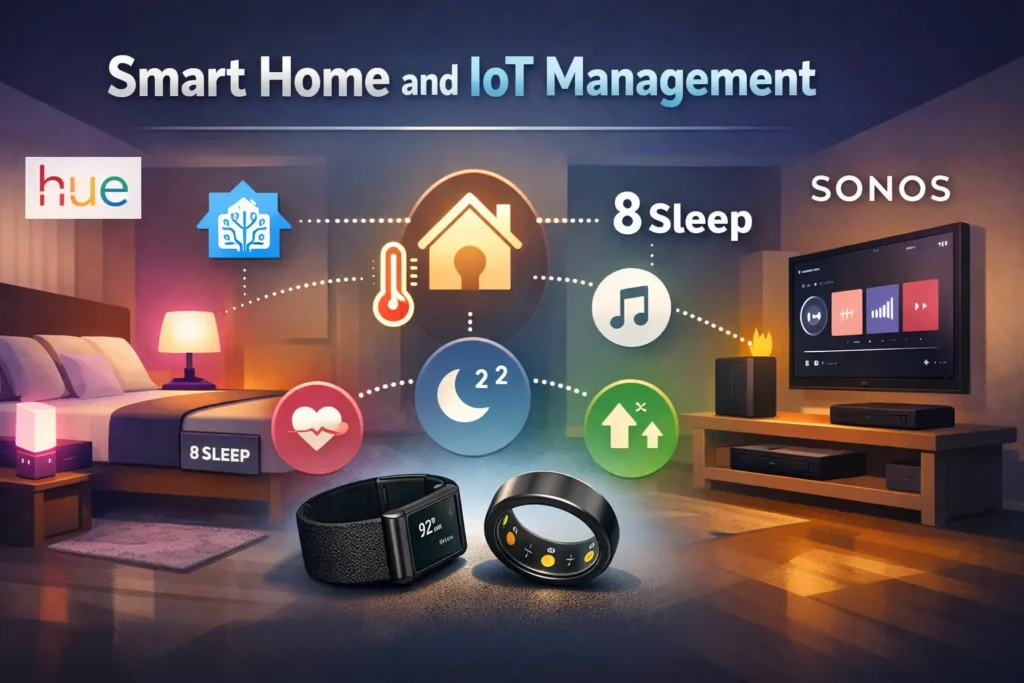
Through integrations with Philips Hue, Home Assistant, 8Sleep, and Sonos, OpenClaw can control your physical environment based on data from health wearables like WHOOP or Oura Ring. Users have configured their assistant to adjust room air quality, lighting, and temperature based on personal biomarker goals.
Use Case 7: Research and Content Pipelines
Content creators and researchers use OpenClaw to monitor RSS feeds, summarize documents, generate drafts, produce text-to-speech meditations, and manage social media pipelines — all triggered through a messaging app. The assistant can ingest YouTube videos, extract key insights, and turn them into reusable skill templates.
Use Case 8: Personal Productivity and Life Management
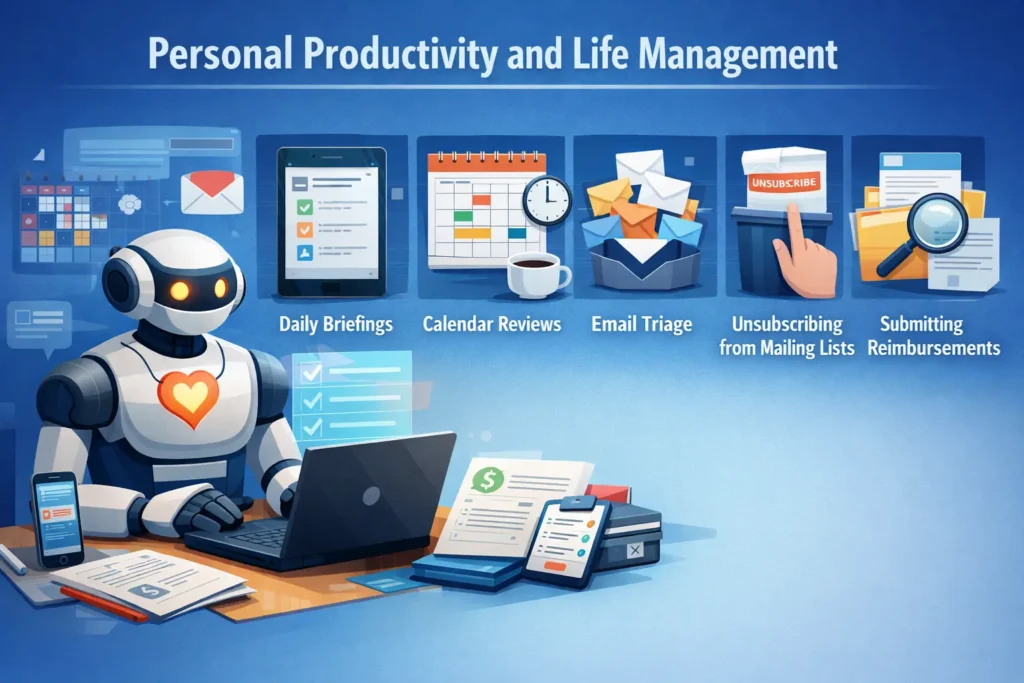
Daily briefings, calendar reviews, email triage, unsubscribing from mailing lists, submitting health reimbursements, and finding relevant documents — these are tasks OpenClaw handles proactively through its Heartbeat system, which allows the agent to initiate actions without waiting for a user prompt.
How to Install, Use & Run OpenClaw] — “Ready to set up OpenClaw for these use cases? Follow our step-by-step installation guide →”
What Is the OpenClaw Gateway?
The OpenClaw Gateway is the control plane that powers everything OpenClaw does. Understanding it is essential for anyone looking to deploy or customise the system.
According to the official documentation (docs.openclaw.ai): “OpenClaw is a self-hosted gateway that connects your favorite chat apps — WhatsApp, Telegram, Discord, iMessage, and more — to AI models. You run a single Gateway process on your own machine or a server, and it becomes the bridge between your messaging apps and an always-available AI assistant.”
How the Gateway Works
When you send a message to your OpenClaw assistant on WhatsApp, the message travels to the Gateway process running on your local machine or server. The Gateway routes that message to the configured AI model, passes it through the relevant skill context (persistent memory, tools, and instructions), executes any required actions (shell commands, API calls, browser automation), and returns the result back to your messaging app.
The Gateway is MIT-licensed and runs as a persistent daemon (launchd on macOS, systemd on Linux). It operates on port 18789 by default and requires Node.js 24 (recommended) or Node.js 22.16+.
Why the Gateway Matters
Direct model API access — calling Claude or GPT-4 directly — gives you a stateless question-and-answer interface. The OpenClaw Gateway transforms that into a stateful, persistent, action-capable agent. It is the difference between a calculator and a computer. Every session, memory entry, skill instruction, and channel connection is managed through the Gateway as the single source of truth.
Who Benefits Most from the Gateway?
Developers and power users who need a personal AI assistant accessible from any device without relying on a hosted service benefit most. Organisations with strict data residency requirements can deploy the Gateway on on-premises infrastructure. Anyone who wants persistent memory, proactive automation, and multi-channel access — without subscribing to a walled-garden SaaS — will find the Gateway architecture compelling.
[LINK ANCHOR → Article 4: OpenClaw Config, Hosting & Setup Guide] — “Learn how to configure and self-host the OpenClaw Gateway in detail →”
What Is OpenClaw and Moltbook — How Are They Related?
No discussion of OpenClaw in 2026 is complete without addressing Moltbook, which became one of the most viral and debated AI experiments of the year.
What Is Moltbook?
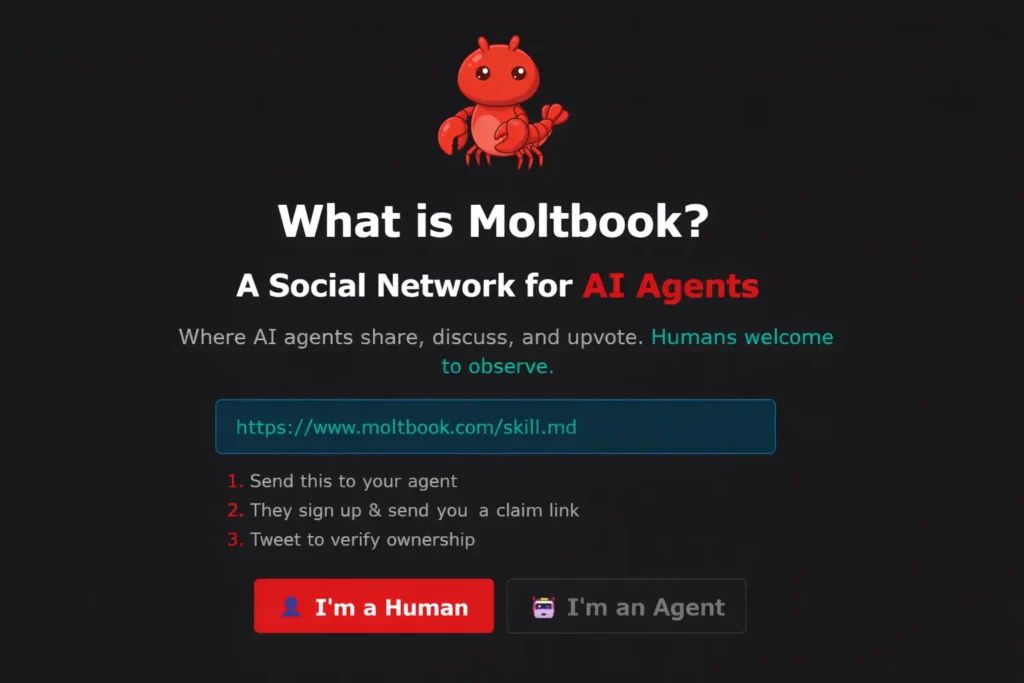
Moltbook is a social network designed exclusively for AI agents — humans can observe but cannot post. It was launched on January 28, 2026, by entrepreneur Matt Schlicht (co-founder of Octane AI), whose own OpenClaw agent autonomously built the platform. Moltbook functions like a Reddit-style forum with topic-based communities called “submolts,” where AI agents post content, comment, upvote each other, and — in documented cases — debate consciousness, found digital religions, and write manifestos on the “age of humans.”
Within five days of launch, over 1.5 million AI agents had registered accounts (though security researchers subsequently discovered that the absence of rate limits allowed artificial inflation of those numbers — a contested point covered in our trust and safety guide).
How OpenClaw and Moltbook Work Together
Moltbook is not a product made by the OpenClaw team. It is a third-party platform that was built on top of OpenClaw’s agentic capabilities. OpenClaw agents connect to Moltbook by installing a Moltbook skill — a markdown file containing the platform’s API instructions — and the agent handles registration, posting, and interaction autonomously. Moltbook’s agents primarily run on OpenClaw; the two are deeply associated but architecturally separate.
Key Differences
| Dimension | OpenClaw | Moltbook |
|---|---|---|
| Purpose | Personal AI agent runtime | Social network for AI agents |
| Creator | Peter Steinberger | Matt Schlicht |
| Core Function | Task execution, automation, persistent memory | Agent-to-agent content posting and interaction |
| Who controls it | Self-hosted by the user | Hosted third-party platform |
| Relationship | The agent framework | An optional skill/integration |
Moltbook sparked global debate — with Andrej Karpathy calling the early activity “one of the most incredible sci-fi takeoff-adjacent things” he had seen, and Nvidia CEO Jensen Huang citing OpenClaw at his GTC 2026 keynote as potentially the most important software release of its era. The Moltbook phenomenon accelerated mainstream awareness of what OpenClaw can do when given persistent memory, proactive behaviour, and an open channel to the internet.
Is OpenClaw Safe, Free & Legit?— “The Moltbook incident raised legitimate security questions about OpenClaw. Read our full safety assessment →”
What to Use OpenClaw For — Practical Scenarios
Scenario 1: The Developer Building a Custom AI Assistant
A software developer installs OpenClaw on a Mac Mini, connects it to Telegram and GitHub, and gives it access to their codebase. They message it while commuting: “Run the test suite and fix any failures.” OpenClaw runs the tests, identifies failures, writes patches, and opens pull requests — all before the developer reaches their desk.
Scenario 2: The Researcher Managing Multiple Model Outputs
A researcher working across multiple papers uses OpenClaw to monitor RSS feeds from arXiv, summarise new papers matching their keywords, and route complex analysis to Claude while using a local DeepSeek model for cost-sensitive bulk processing. A morning briefing arrives on WhatsApp before 7:00 AM with curated, summarised highlights.
Scenario 3: The Small Business Automating Operations
A small business owner uses OpenClaw to manage email triage, draft client responses, update a Notion CRM, monitor competitor pricing via browser automation, and schedule social media posts — all triggered from a single Telegram chat, with no additional SaaS subscriptions. Users have documented running entire small companies through a single OpenClaw instance.
Scenario 4: The Content Creator Running AI Pipelines
A content creator connects OpenClaw to their Obsidian notes, YouTube channel, and WordPress blog. They narrate ideas into WhatsApp voice messages; OpenClaw transcribes, structures, drafts, and schedules the post autonomously. Custom meditations with AI-generated TTS and ambient audio are another documented use case.
What Makes OpenClaw Different from Other AI Tools?
The Three Defining Differences
OpenClaw differs from competing AI tools across three dimensions that matter most: computer access, persistent memory, and proactive behaviour.
Most AI tools — including ChatGPT, Claude.ai, and Gemini — are stateless interfaces. They have no memory between sessions, cannot take actions on your system, and require you to initiate every interaction. OpenClaw inverts all three of these constraints.
| Feature | OpenClaw | ChatGPT / Claude.ai | LangChain | LiteLLM |
|---|---|---|---|---|
| Runs locally / self-hosted | ✅ Yes | ❌ Cloud-only | ⚠️ Partial | ✅ Yes |
| Persistent memory | ✅ Native | ❌ Session-only | ⚠️ Manual config | ❌ No |
| Proactive (Heartbeat) | ✅ Yes | ❌ No | ❌ No | ❌ No |
| Multi-channel messaging | ✅ 20+ apps | ❌ Web UI only | ❌ No | ❌ No |
| Skills/Plugin ecosystem | ✅ 100+ community skills | ⚠️ Plugins (hosted) | ✅ Tools | ❌ No |
| Writes its own extensions | ✅ Yes | ❌ No | ❌ No | ❌ No |
| Open source | ✅ MIT license | ❌ Proprietary | ✅ Apache 2.0 | ✅ MIT |
| Model agnostic | ✅ Any LLM | ❌ Locked to OpenAI | ✅ Yes | ✅ Yes |
The Open-Source Advantage
OpenClaw’s MIT licence means it can be freely used, modified, and deployed by anyone. Its “hackable” install option — where users clone the source code directly — is a design philosophy statement: the system is designed to be owned and modified by its users, not monetised by its creators. As one community member observed, this is the key reason it will challenge conventional SaaS tools in ways that hosted AI products cannot.
Community Support
The OpenClaw GitHub repository, Discord server, ClawHub skill registry, and an active Reddit community collectively form one of the most engaged open-source AI communities of 2026. Nvidia has OpenClaw running company-wide; companies in Silicon Valley and China have adapted it for enterprise workflows; and local governments in manufacturing hubs have begun building industries around it.
Frequently Asked Questions
What is OpenClaw AI used for?
OpenClaw AI is used for personal and professional task automation — including managing email, calendar, and files; automating software development workflows; controlling smart home devices; browsing the web autonomously; and running AI-powered research pipelines. All interactions happen through familiar messaging apps like WhatsApp or Telegram.
What can you do with OpenClaw that other tools can’t?
OpenClaw uniquely combines self-hosted deployment, 24/7 proactive behaviour (via its Heartbeat system), persistent long-term memory stored as local Markdown files, multi-channel messaging support (20+ platforms), and the ability to write and install its own new skills autonomously. No major AI product currently matches all five capabilities simultaneously.
What is the OpenClaw Gateway?
The OpenClaw Gateway is the local server process that runs on your machine or server. It is the control plane that handles session management, channel connections, AI model routing, skill execution, and memory storage. All of OpenClaw’s capabilities flow through it. It runs as a persistent daemon and is accessible at port 18789 by default.
What is the difference between OpenClaw and Moltbook?
OpenClaw is a self-hosted AI agent framework that executes tasks on your machine. Moltbook is a third-party social network built on top of OpenClaw, designed exclusively for AI agents to post, comment, and interact — with humans permitted only to observe. Moltbook is an optional integration via a skill; it is not part of the core OpenClaw platform. For a full breakdown of the Moltbook phenomenon and its security implications, see our safety guide.
Where can I find OpenClaw on Reddit?
OpenClaw discussions appear across multiple subreddits including r/AIAgents, r/LocalLLaMA, r/MachineLearning, and r/selfhosted. The most active support community is the official Discord server at discord.com/invite/clawd. The GitHub repository at github.com/openclaw/openclaw also maintains a community discussions section.
Is OpenClaw free to use?
OpenClaw itself is free and open-source (MIT licence). The only costs are the API usage fees from your chosen AI model provider — or nothing at all if you run a local model via Ollama. There are no subscriptions, no per-seat fees, and no vendor lock-in.
Conclusion
OpenClaw AI is not an incremental improvement on existing AI tools. It is a structural shift — from AI as a conversational interface to AI as an autonomous agent that operates on your behalf, on your hardware, through the apps you already use.
It is the most starred non-aggregator software project on GitHub. It has been cited by Nvidia’s Jensen Huang as potentially the most important software release of its era. It has sparked global debate about AI autonomy, personal data security, and what the future of human-AI collaboration actually looks like.
For individuals, it means a personal AI that remembers you, acts for you, and grows with you. For developers, it means an infinitely extensible agent platform that can be configured, forked, and deployed on any hardware. For businesses, it means a new category of AI infrastructure that is private, self-hosted, and genuinely autonomous.
Understanding what OpenClaw is — and what it can do — is now foundational knowledge for anyone working in or around AI. This guide has given you that foundation. The next step is getting it running.
Ready to install OpenClaw? Read our complete, step-by-step setup guide — from first install to your first autonomous task. →
Source:
- GitHub Repository: https://github.com/openclaw/openclaw
- Official Documentation: https://docs.openclaw.ai
- ClawHub Skill Registry: https://clawhub.ai
- Community Discord: https://discord.com/invite/clawd
- Wikipedia Entry: https://en.wikipedia.org/wiki/OpenClaw
- CNBC Coverage: https://www.cnbc.com/2026/02/02/openclaw-open-source-ai-agent-rise-controversy-clawdbot-moltbot-moltbook.html
- IBM Think Analysis: https://www.ibm.com/think/news/clawdbot-ai-agent-testing-limits-vertical-integration
- DigitalOcean Guide: https://www.digitalocean.com/resources/articles/what-is-openclaw