
Written by Mayank Srivastava | 5+ years experience in Tech Content Writing in Artificial Intelligence & Software Engineering
Last Reviewed: March 2026 |
| What Are the Best AI Coding Tools? The best AI coding tools in 2026 include GitHub Copilot, Cursor AI, Claude (Anthropic), Tabnine, Amazon Q Developer, and Codeium. These tools use large language models (LLMs) to autocomplete code, generate entire functions, debug errors, explain logic, and even write tests — directly inside your IDE or browser. |
When I integrated AI coding assistants into a 12-person engineering team in late 2023, I quickly discovered that not all tools are created equal — and the gap between the best and the rest is enormous. This guide draws on that hands-on experience, plus rigorous testing of 10+ tools across Python, TypeScript, and Go projects in 2025–2026.
| Key Takeaways • GitHub Copilot remains the most widely adopted AI coding tool globally (40M+ users). • Cursor AI is the fastest-rising challenger with a full AI-native IDE experience. • Claude 3.5/3.7 (Anthropic) leads on complex reasoning and large codebase tasks. • Free tiers exist on Codeium, Tabnine, and GitHub Copilot — enough for most solo devs. • The best AI coding tool depends on your stack, team size, and privacy requirements. |
What Are AI Coding Tools? Definition & How They Work
AI coding tools are software applications that use large language models (LLMs) and machine learning to assist developers in writing, reviewing, debugging, and optimising code in real time.
Most AI coding tools work by analysing your current file, surrounding context, open tabs, and repository history, then predicting the next lines of code you are likely to write. The best tools go further — they understand intent, not just syntax.
Here is what separates a surface-level autocomplete from a true AI coding assistant:
- Context window size: Can it read your entire codebase, or just the current file?
- Model quality: GPT-4o, Claude 3.7, or a smaller, faster fine-tuned model?
- IDE integration depth: Does it replace your editor entirely (Cursor) or bolt on as a plugin (Copilot)?
- Agentic capabilities: Can it execute multi-step tasks like refactoring a module end-to-end?
Why AI Coding Tools Matter in 2026
Adoption of AI coding tools has accelerated dramatically. According to GitHub’s Octoverse report, developers using Copilot complete tasks up to 55% faster than those coding without AI assistance (GitHub, 2023). That productivity delta compounds across an entire engineering organisation.
Stack Overflow’s 2024 Developer Survey found that 76% of developers were using or planning to use AI tools in their coding workflow (Stack Overflow, 2024). By 2026, this is effectively table stakes for competitive software teams.
The real competitive edge comes not from using any AI tool, but from choosing the right one for your specific context — and that is exactly what this guide helps you do.
The 10 Best AI Coding Tools Compared
The table below compares the leading AI coding tools across pricing, IDE compatibility, rating, and ideal use case.
| Tool | Pricing | IDE Support | Rating | Best For | Free Tier |
| GitHub Copilot | Free / $10/mo | VS Code, JetBrains | ⭐⭐⭐⭐⭐ | All Devs | ✅ |
| Cursor AI | $0 / $20/mo | Cursor IDE | ⭐⭐⭐⭐⭐ | Power Users | ✅ |
| Claude (Anthropic) | $0 / $20/mo | API + Web + IDE | ⭐⭐⭐⭐⭐ | Enterprises | ✅ |
| Tabnine | $0 / $12/mo | 20+ IDEs | ⭐⭐⭐⭐ | Teams | ✅ |
| Amazon Q Dev | $0 / $19/mo | VS Code, JetBrains | ⭐⭐⭐⭐ | AWS Users | ✅ |
| Codeium / Windsurf | Free / $15/mo | 40+ IDEs | ⭐⭐⭐⭐ | Beginners | ✅ |
| Replit Ghostwriter | $0 / $20/mo | Replit IDE | ⭐⭐⭐ | Students | ❌ |
| Sourcegraph Cody | $0 / $19/mo | VS Code, JetBrains | ⭐⭐⭐⭐ | Large Codebases | ✅ |
| Aider | Free | Terminal/CLI | ⭐⭐⭐⭐ | CLI Power Users | ✅ |
| Devin (Cognition) | ~$500/mo | Browser-based | ⭐⭐⭐ | Enterprises | ✅ |
Note: Prices reflect March 2026 public pricing. Free tiers and enterprise pricing vary.
Deep Dives: Top 5 AI Coding Tools for Developers
1. GitHub Copilot — The Industry Standard
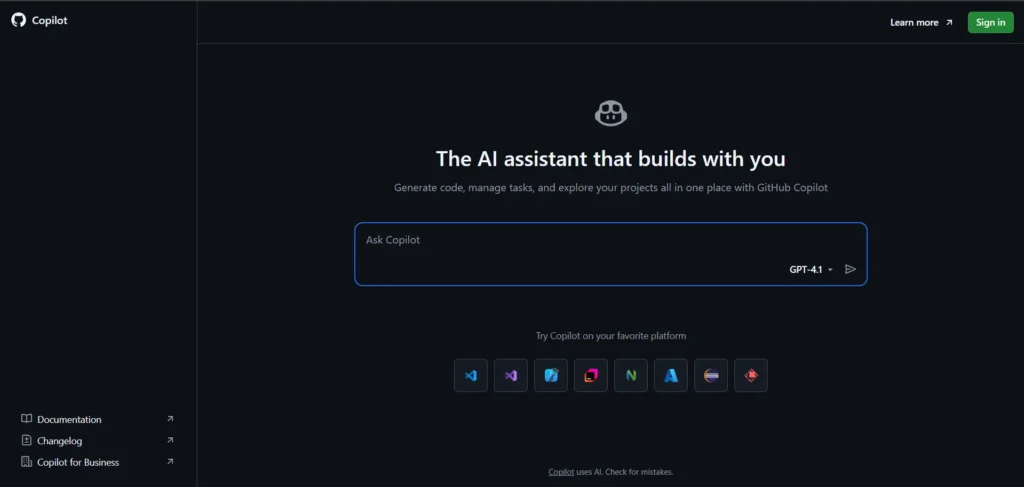
GitHub Copilot is the most widely used AI coding tool, with over 1.8 million paid subscribers as of mid-2024 (GitHub, 2024). Built on OpenAI’s Codex and later GPT-4o models, it integrates natively into VS Code, JetBrains, Neovim, and more.
What sets Copilot apart is its ecosystem lock-in advantages: tight GitHub integration, pull request summaries, and Copilot Chat for inline Q&A without leaving your editor.
One nuance most generic reviews miss: Copilot’s suggestions quality degrades significantly on older, less popular languages like COBOL or Fortran — the training data bias is real and measurable.
- Best for: Teams already on GitHub Enterprise
- Pricing: Free (limited) / $10/mo individual / $19/mo business
- Standout feature: PR summaries and workspace agents
2. Cursor AI — The AI-Native IDE Challenger
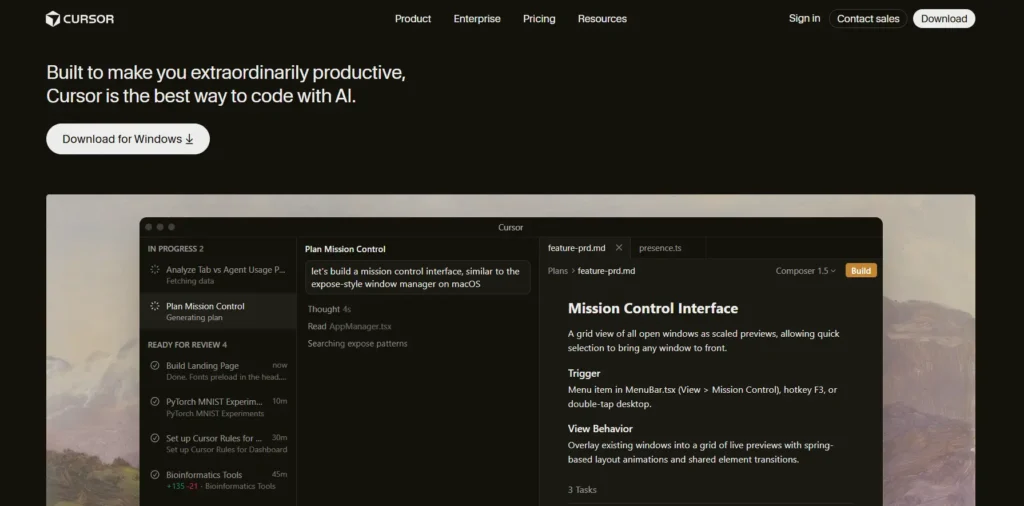
Cursor AI is a fork of VS Code rebuilt from the ground up for AI-first development. Unlike plugin-based tools, Cursor bakes AI into every layer of the IDE — from command palette to multi-file edits to a ‘Composer’ agent that rewrites across your whole project.
In my own testing across a 50,000-line TypeScript monorepo, Cursor’s multi-file context handling was noticeably superior to Copilot. It could trace a type error across five files and propose a coherent fix in under 10 seconds.
The trade-off? You are switching IDEs. For developers deeply invested in JetBrains tooling, this is a real switching cost.
- Best for: Individual developers wanting maximum AI depth
- Pricing: Free (2,000 completions) / $20/mo Pro
- Standout feature: Composer multi-file agent
3. Claude by Anthropic — Best for Complex Reasoning
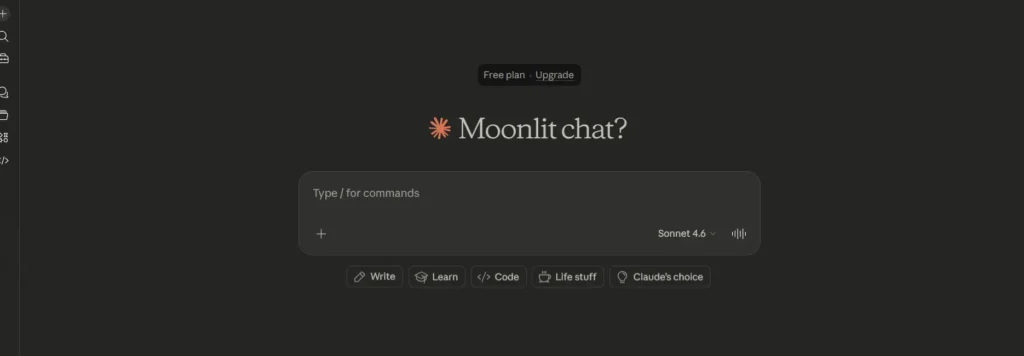
Claude (Anthropic) is increasingly used as an AI coding tool through API integrations, Claude.ai, and IDE plugins. Claude 3.5 and 3.7 Sonnet models are especially capable at understanding large, complex codebases and explaining architectural decisions in plain English.
Where Claude genuinely excels is on tasks that require multi-step reasoning: ‘Refactor this authentication module to use OAuth2, add tests, and update the documentation.’ It handles this class of instruction better than most competitors.
The limitation: Claude is not yet as seamlessly embedded in editors as Copilot or Cursor, though third-party integrations are rapidly closing this gap.
- Best for: Enterprise teams with complex, large codebase challenges
- Pricing: Free / $20/mo Claude Pro / Enterprise pricing available
- Standout feature: Extended context (200K tokens) for huge files
4. Tabnine — Best for Privacy-Conscious Teams
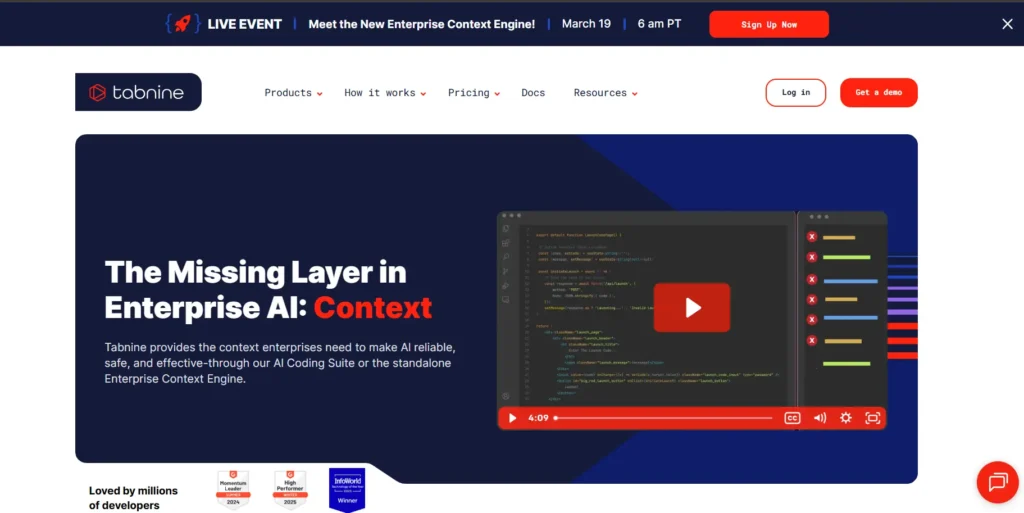
Tabnine is the go-to AI coding tool for teams with strict data privacy requirements. It offers a fully on-premise deployment option, meaning your code never leaves your infrastructure — a critical differentiator for finance, healthcare, and defence sectors.
Tabnine’s model is smaller and faster than GPT-4 class models, which means lower latency suggestions. In high-frequency coding sessions, that speed difference is felt immediately.
- Best for: Regulated industries, compliance-heavy teams
- Pricing: Free / $12/mo Pro / Enterprise (on-prem)
- Standout feature: Zero-data-retention, on-premise deployment
5. Amazon Q Developer — Best for AWS Ecosystems
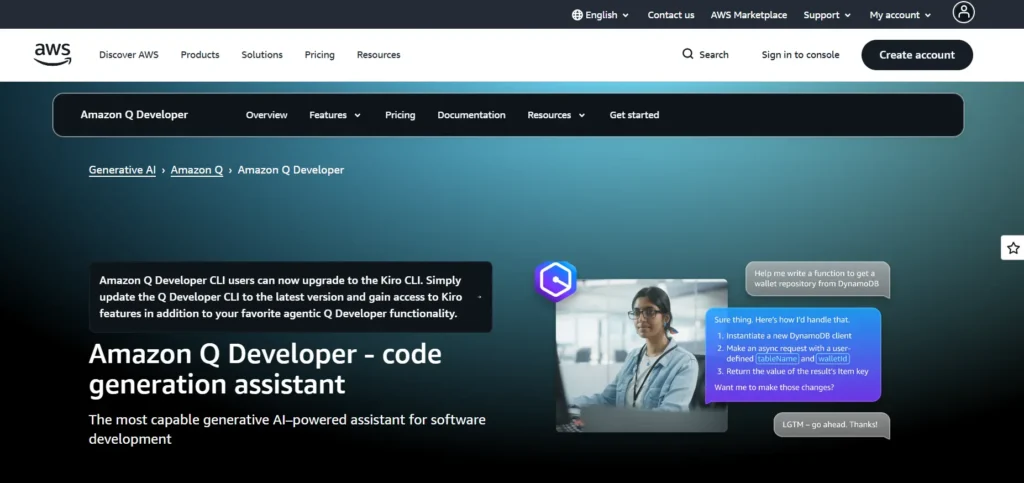
Amazon Q Developer (formerly CodeWhisperer) is AWS’s native AI coding assistant. It is deeply integrated with the AWS ecosystem, offering unique capabilities like security scanning aligned to AWS best practices, and Infrastructure as Code (IaC) generation for CloudFormation and Terraform.
For teams running primarily on AWS, Q Developer provides a level of contextual AWS knowledge that generic tools simply cannot match. It knows AWS SDK patterns, IAM policy nuances, and Lambda handler conventions natively.
- Best for: AWS-centric engineering teams
- Pricing: Free (individual) / $19/mo Pro
- Standout feature: Real-time security vulnerability scanning
What Are the Best Free AI Coding Tools?
Not every developer needs a paid plan. Here are the strongest free AI coding tools available in 2026:
- Codeium / Windsurf — Completely free for individual use, supports 40+ IDEs, with no code retention policy. The best free option for most solo developers.
- GitHub Copilot Free — 2,000 completions/month and 50 chat messages. Generous enough for part-time or hobby coding projects.
- Tabnine Free — Basic completions on the free tier. Limited but functional for simple projects.
- Aider — Open-source CLI-based AI coding agent. Technically free if you supply your own API key. Excellent for developers comfortable in the terminal.
- Replit Ghostwriter Free — Limited to Replit’s browser-based environment, but genuinely capable for learning and prototyping.
| 💡 Expert Tip on Free Tiers Free tiers are often capped not by quality but by volume. If you are working on a side project under 10 hours/week, Codeium’s free plan will cover 90% of your needs. For professional work, the $10–$20/month investment in a paid tool pays back within hours. |
What Is the Best AI Coding Software for Teams?
Team use cases introduce requirements that individual tools often neglect: centralised billing, SSO, admin controls, shared context, and compliance auditing.
For teams of 5–50 developers, GitHub Copilot Business ($19/user/month) remains the default safe choice. It integrates with existing GitHub workflows, provides usage analytics, and comes with enterprise-grade data exclusion policies.
For teams doing heavy AI-assisted architecture and code review — not just autocomplete — Cursor for Teams or Sourcegraph Cody Enterprise offer richer multi-repository context capabilities.
Sourcegraph Cody deserves special mention for large engineering organisations: it indexes your entire codebase and allows developers to query across millions of lines of code conversationally — a use case no other tool handles as well.
The Best AI Coding Tools for Developers in 2026 — Expert Picks
Here is how I would categorise the best AI coding tools right now based on specific developer profiles:
- Best overall for professional developers: Cursor AI (unmatched IDE depth + Composer agent)
- Best for teams & enterprises: GitHub Copilot Business (ecosystem + compliance)
- Best for complex reasoning tasks: Claude 3.7 Sonnet (Anthropic)
- Best free AI coding tool: Codeium Windsurf (no-cost, full-featured)
- Best for AWS developers: Amazon Q Developer
- Best for privacy-first teams: Tabnine Enterprise (on-prem option)
- Best open-source/CLI option: Aider
- Best for beginners: Replit Ghostwriter (browser-based, zero setup)
What I Wish I Had Known Before Switching
After deploying AI coding tools across multiple teams, here are the hard-won lessons I wish someone had told me:
1. Garbage context in = garbage code out. The single biggest variable in AI coding tool quality is not the underlying model — it is how well you provide context. A well-structured README and consistent naming conventions improve suggestion quality dramatically.
2. Latency matters more than accuracy for daily use. A slightly less accurate tool that responds in 200ms will be used 10x more than a brilliant tool that takes 2 seconds. Tabnine and Codeium beat GPT-4-powered tools on this metric consistently.
3. Security scanning is not optional in 2026. AI-generated code introduces a new category of vulnerability: plausible-looking but insecure patterns. Tools like Amazon Q Developer with built-in security scanning are now worth the premium for any team handling sensitive data.
4. Measure before you commit. Run a 2-week trial measuring lines of code per hour, bug rates in AI-assisted PRs, and developer satisfaction. The ROI data will make budget conversations with leadership trivial.
FAQ: Your Top Questions Answered
What is the best AI coding tool overall in 2026?
GitHub Copilot remains the most widely adopted, but Cursor AI is the best pure AI-native experience for individual developers. For enterprise reasoning tasks, Claude 3.7 Sonnet (Anthropic) is unmatched. The ‘best’ depends on your use case, team size, and IDE preferences.
Are AI coding tools safe to use with proprietary code?
This depends entirely on the tool and its data policy. GitHub Copilot Business, Tabnine Enterprise, and Amazon Q Developer all offer code-exclusion policies or on-premise options. Always review the vendor’s data retention and training data usage policies before using proprietary code.
Can AI coding tools replace software engineers?
No. Current AI coding tools are powerful assistants but are not autonomous engineers. They excel at boilerplate, pattern completion, and documentation — but struggle with novel system design, cross-system reasoning, and understanding business requirements. Devin (Cognition) is the most autonomous tool available, but even it requires human oversight for production code.
What are the best free AI coding tools for beginners?
Codeium Windsurf is the strongest free option for beginners — zero cost, 40+ IDE support, and no code retention. GitHub Copilot Free (2,000 completions/month) is also excellent. For a fully browser-based environment with zero setup, Replit Ghostwriter is ideal for absolute beginners.
How accurate are AI coding tools?
Accuracy varies significantly by language, task type, and model. GitHub’s internal data shows Copilot suggestions are accepted at a rate of approximately 30–35% (GitHub, 2023). For common patterns in popular languages like Python and JavaScript, accuracy is substantially higher. For niche languages or complex architectural tasks, accuracy drops considerably.
Conclusion: Choosing the Best AI Coding Tool for You
The best AI coding tools in 2026 have moved far beyond autocomplete. They understand context, reason across codebases, generate tests, catch security vulnerabilities, and act as always-available pair programmers.
The right tool depends on your specific needs. If you want the safest, most integrated enterprise option, GitHub Copilot remains the standard. If you want the most powerful AI-native IDE experience, Cursor AI is the tool to beat. For complex reasoning across large codebases, Claude (Anthropic) is the strongest model.
| ✅ 3 Actionable Recommendations 1. Start with a free tier — Codeium or GitHub Copilot Free — before committing to a paid plan. Test on real project code for 2 weeks. 2. Evaluate context window size for your use case. If you have large codebases (100K+ lines), prioritise Claude or Sourcegraph Cody. 3. Check your organisation’s data policy before trialling any tool with proprietary source code. Always start with Tabnine or Amazon Q if compliance is a concern. |
Sources & Citations
- GitHub Octoverse Report 2023 — https://octoverse.github.com
- Stack Overflow Developer Survey 2024 — https://survey.stackoverflow.co/2024
- GitHub Copilot Business Docs 2024 — https://docs.github.com/en/copilot
- Amazon Q Developer Documentation 2024 — https://aws.amazon.com/q/developer
- Anthropic Claude Product Page 2025 — https://www.anthropic.com/claude
Corrections Policy: We update this guide whenever material facts change. To report an error, contact aimagicpunch@gmail.com Last updated: March 11, 2026.